Links to images and documents
Media Library links
Links to Images and Documents - to pdf or other files held in the Media Library - will be preserved if the document is relocated within the Library.
Media Library links can be copied/pasted between content items.
Insert from media
Places an image or document (including pdf).

Using the picture icon brings up the Media Library selector. Select the Name of an image or document from the Library to insert the image, or a link to the document, into the content field.
Documents
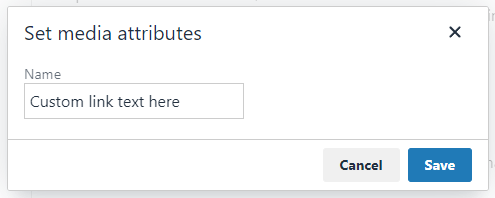
For pdf and other documents, the Name field of the document from the Media Library will appear initially as the link text. To change this, double-click the link and enter the new link text into the Name field. This field is quite small so it may be easier to type the text elsewhere, then copy and paste it into the field.
Images
Select the image you wish to use within the media library. If a variant exists then then it will ask you which version you want to use, select either the original or a variant and it will insert the image into the content item.