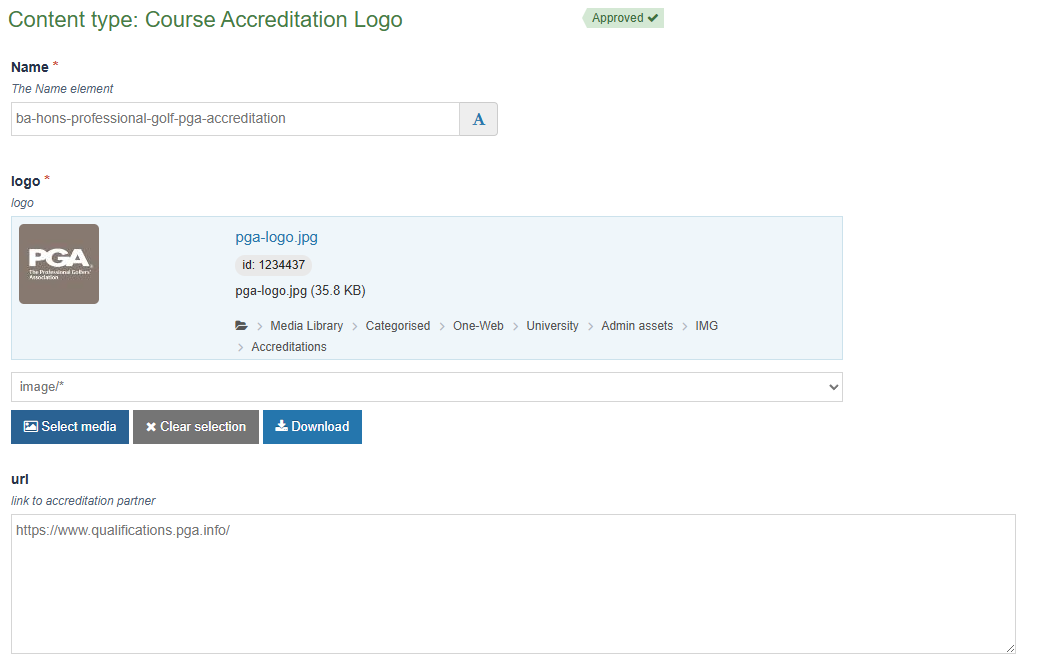
Course Accreditation Logo
The Course Accreditation Logo content type inserts an image at the bottom of the second column in the 'Summary' tab on course pages with the option the embed a link on the image.
It is most commonly used to display the logos of accreditations that course has, like in the example below which is showing the Professional Golfers' Association log for the BA (Hons) Professional Golf course:

Using the Course Accreditation Logo content type
You must use an image that is around 300 pixels by 300 pixels and upload that to T4's media library first.
Then on the course page you wish to display the image, using the 'Add content' button you can add a Course Accreditation Logo content type to the page.
Select the image you uploaded from the media library and, if embedding a link, paste the link you wish to embed on the image in the optional url field.
Save and approve the content type and it will display on the course page after the next site publish.