Social Media Card
Refine your social media sharing
Facebook and other social media sites allow us to take greater control over the information displayed about our pages when we share them on social media sites and direct messaging services like WhatsApp.
You may add a 'One-Web Social Media Card' to any page you wish to share on social media. The benefit of this is that you can control the Title, Description and Image displayed on any generated card of information when a link to your page is shared instead of the social media or direct messaging platform guessing.
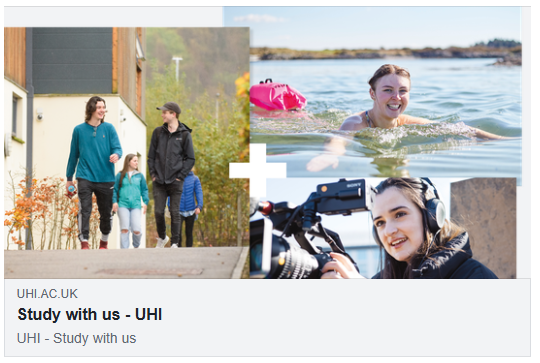
Example of an information card:
Content type data fields
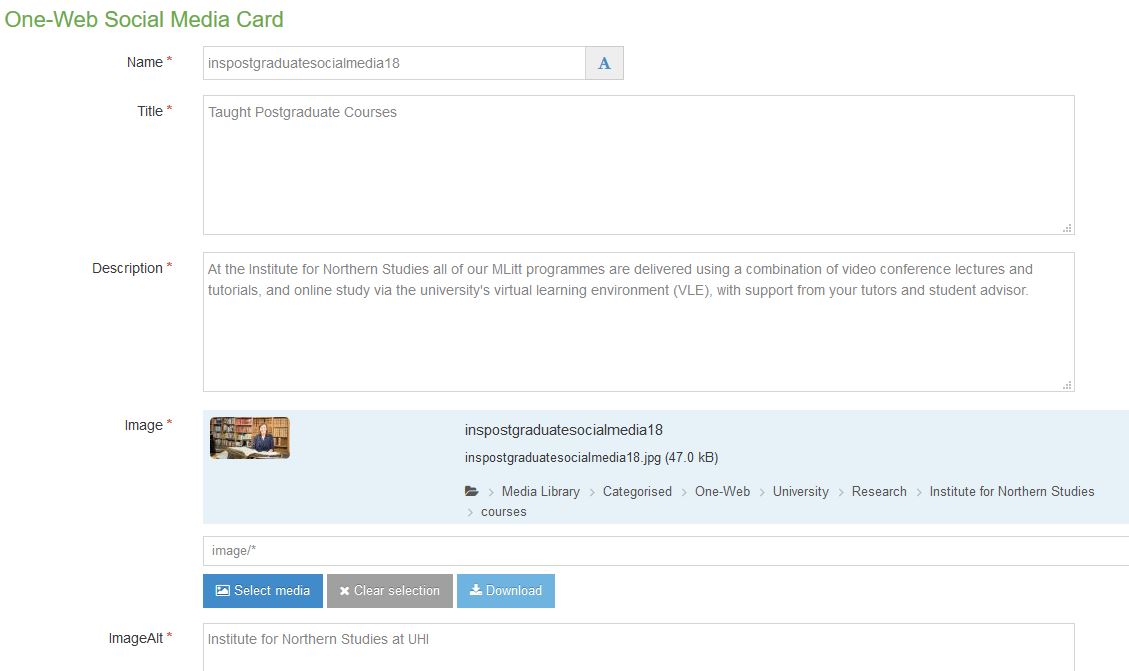
Name: Your normal filename for the content
Title: The title you want displayed
Description: The description you want displayed
Image: The image you want displayed. It must be no smaller that 200px x 200px. We would recommend 560px x 300px.
ImageAlt: A description of the image. Just like a normal alt tag
Testing
You can test for both FB and Twitter. Once your card has published, you can paste its address into:
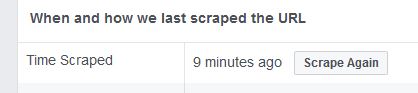
- https://developers.facebook.com/tools/debug/sharing/ for Facebook. Note: Sometimes you will need to 'Scrape Again' so that FB is not looking at a cached version of your page.
Related
You do not need to do this for every page. Only where you need control for specific social media activity.
We have automatically implemented this on all One-Web News content and One-Web Event content types.