Naming and describing Media Library items
Filename and Name fields
Filename and Name fields are different data but should be named the same.
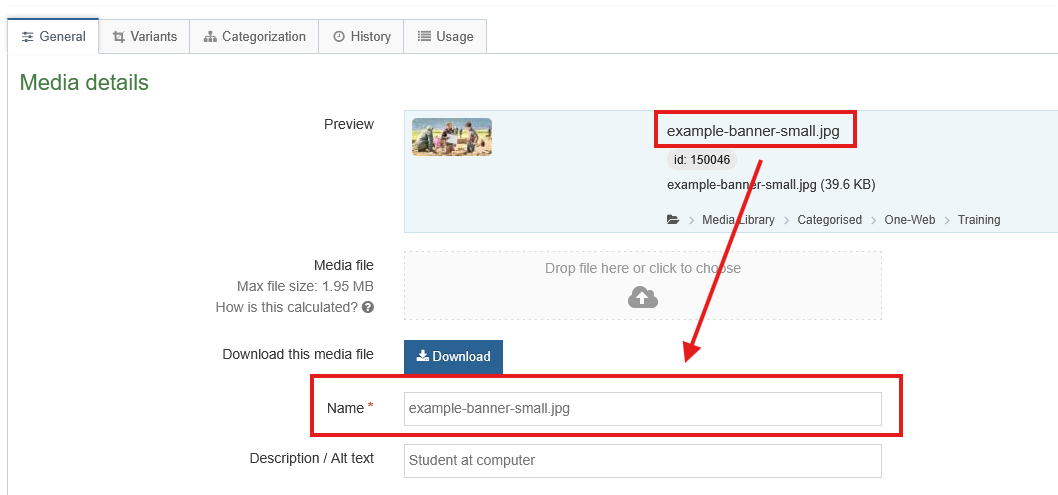
The above image shows locations of the Name field display and the Filename in a downloadable PDF document.
The file should already have been sensibly named - see Naming files in general. Copy the Filename into the Name field.
Description field
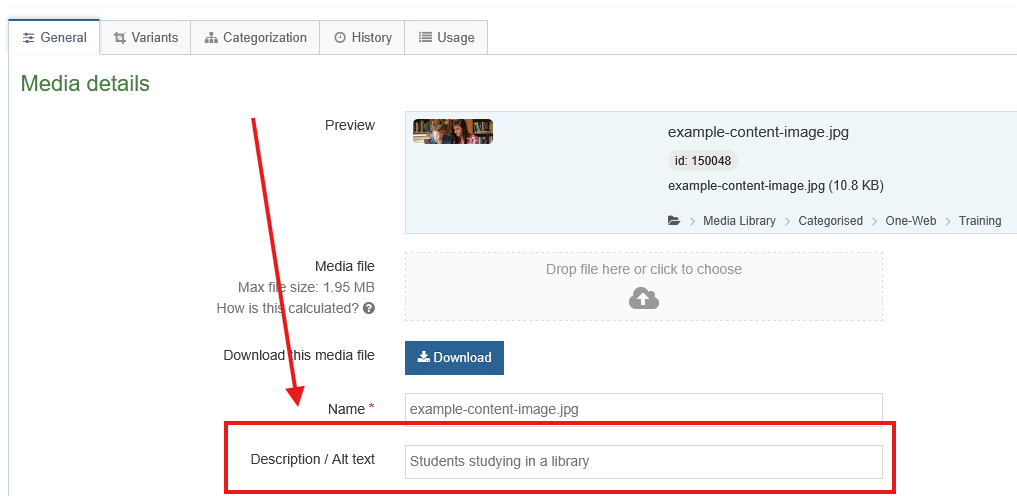
The Description field is a mandatory requirement for images. Enter a description of the subject of the image - this important field is displayed on the web page as the 'alt text'. The alt text is an essential part of maintaining accessibility on out websites. Documents do not require the description field but you can summarise the contents as a meaningful reminder.
Image files
This mandatory alternative text to describe the image is mainly for accessibility purposes, but also helps with search engine optimisation. For example:
- Description: Three Geography students walking on a hillside in the Highlands.
- Description: Ben Nevis and Fort William from the air.
- Description: A group of University of the Highlands and Islands students wearing gowns at graduation.
Document files
The description field is not mandatory for documents but you can enter a short Description of the contents of the document, to complement any meaning that's already included in the filename. This can be useful when browsing lists of documents in the Media Library.
Further reference
See also: